To re-open a month already submitted by the employee in Engage, it is necessary to follow the steps below
It is important to note that this action should be evaluated on a case-by-case basis and the month should only be re-opened when truly necessary.
Steps
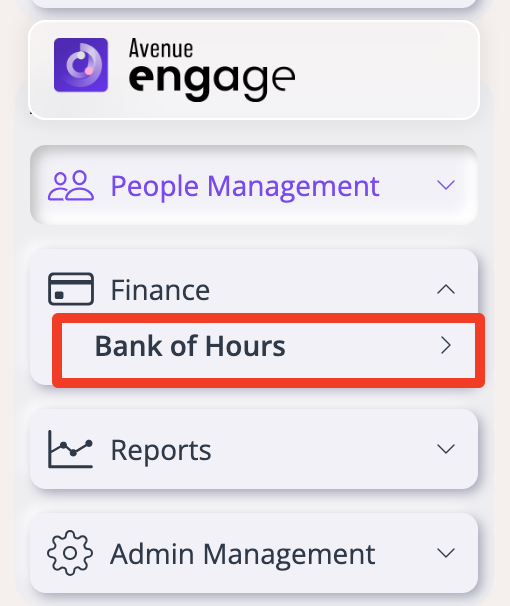
Step 1: Access Finance > Bank of Hours
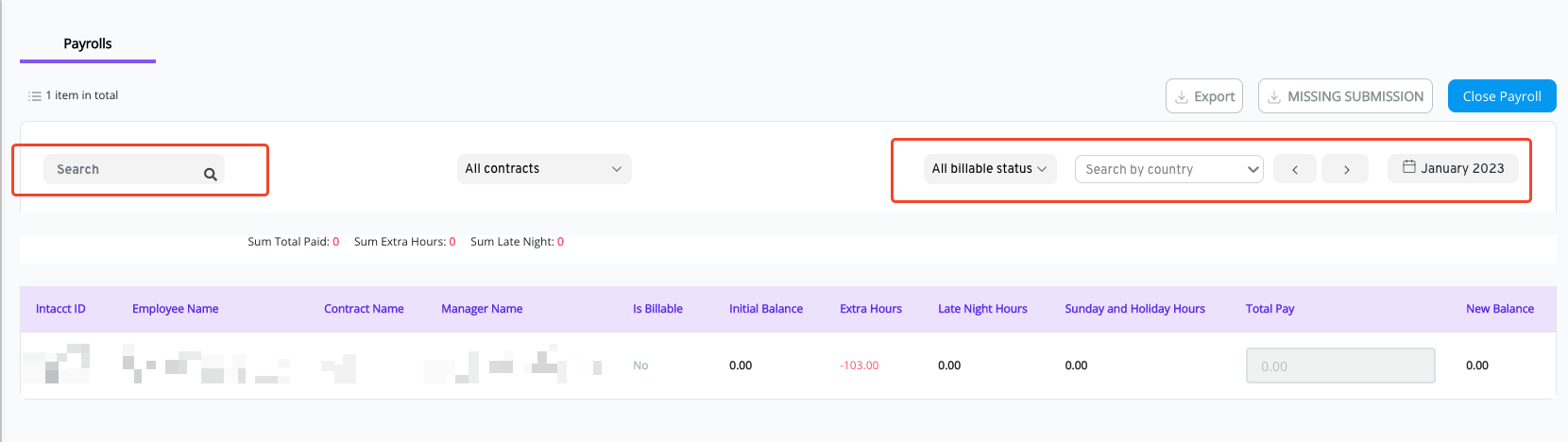
Step 2: Search for the Month to be re-opened and the Employee's Name.
*search for the exact name (with accent)
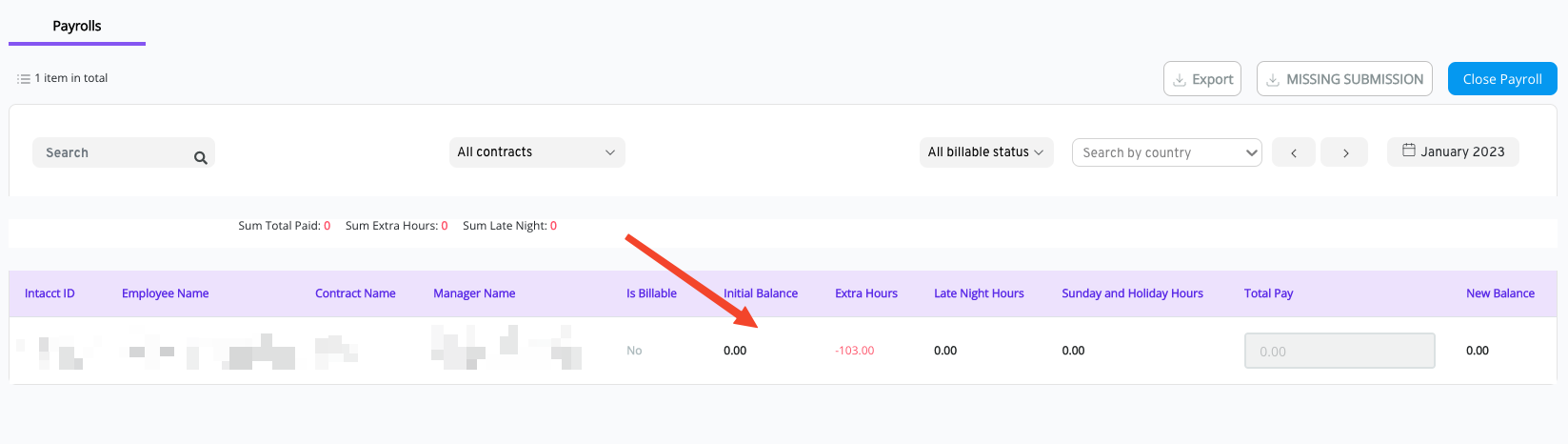
Step 3: Click on the employee line
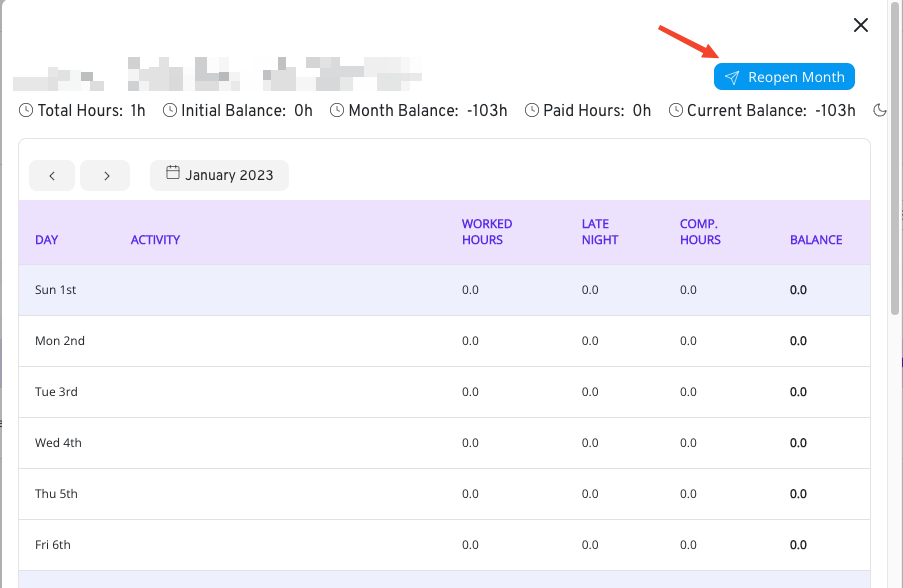
Step 4: Click on "Reopen Month"
Step 5: Instruct the employee that the month is open and should contact the respective manager to re-open the week. This way employee will be able to adjust the entries made.
Was this article helpful?
That’s Great!
Thank you for your feedback
Sorry! We couldn't be helpful
Thank you for your feedback
Feedback sent
We appreciate your effort and will try to fix the article